Pick the Starter plan to try Signward free for 30 days, or go straight to Standard / Pro for the full premium tier. Your tenant is provisioned automatically with a branded login portal, dashboard, and API key
app.signward.com/settings
Step 02 — Configure
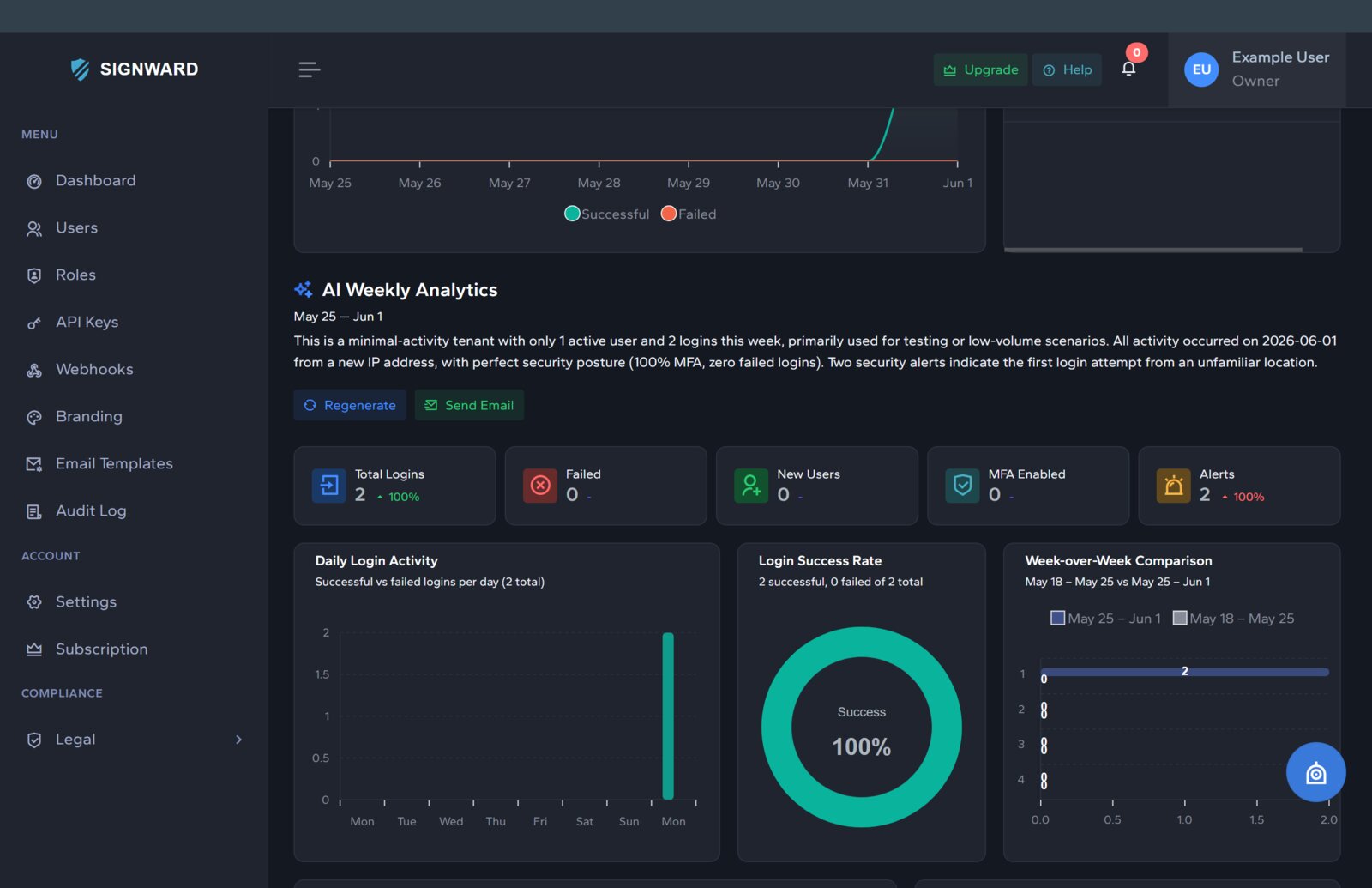
One dashboard, every control
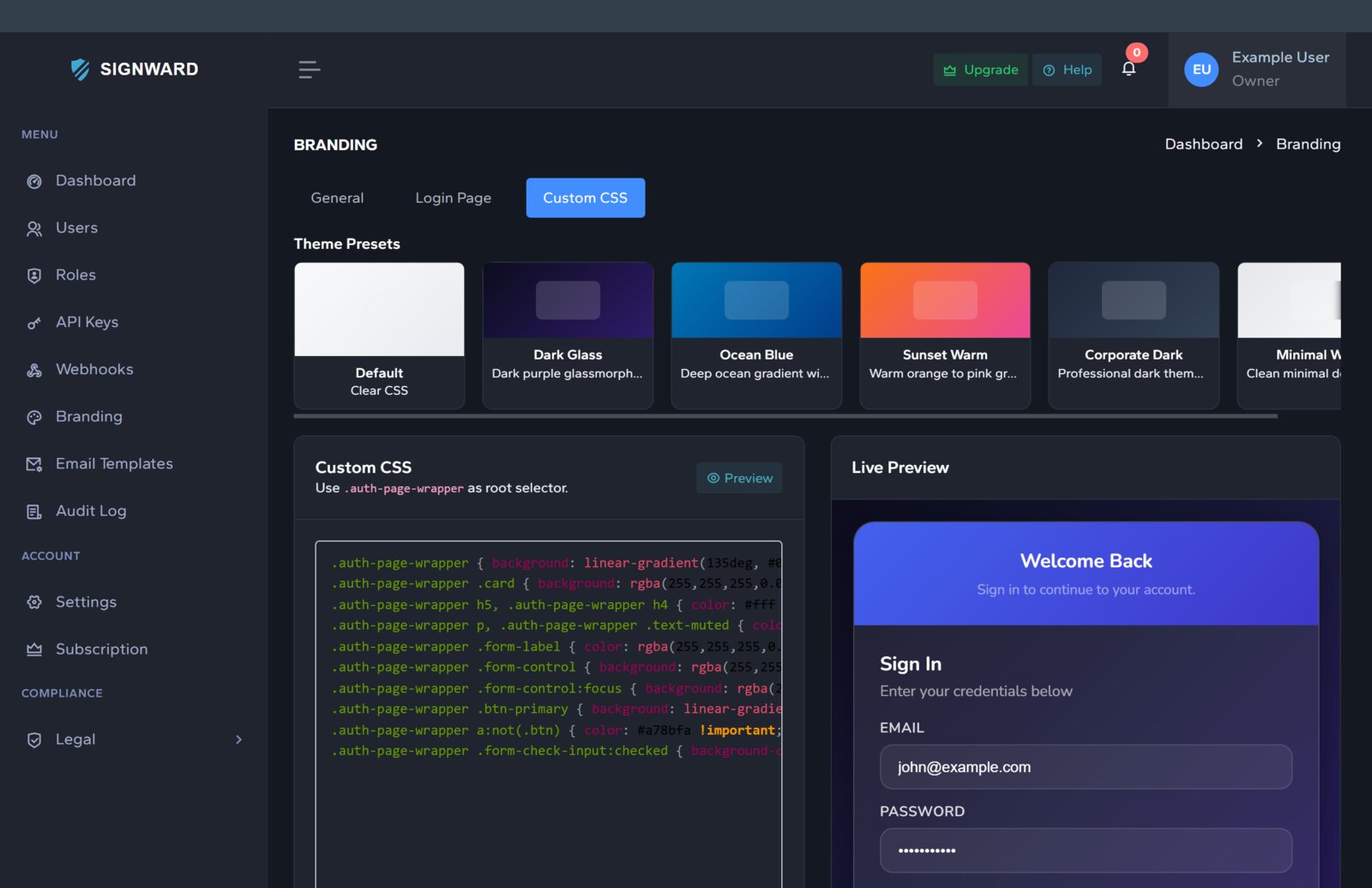
🎨White-label brandingLogo · colors · CSS · domain
🔐MFA & policiesTOTP · email codes
👤Custom rolesRBAC per tenant
🔗WebhooksReal-time events
✉️Email templatesBranded, editable
🌐Social loginGoogle · OIDC
🔑SSO · OIDCOAuth 2.0 standard
🗝️API keysScoped tokens
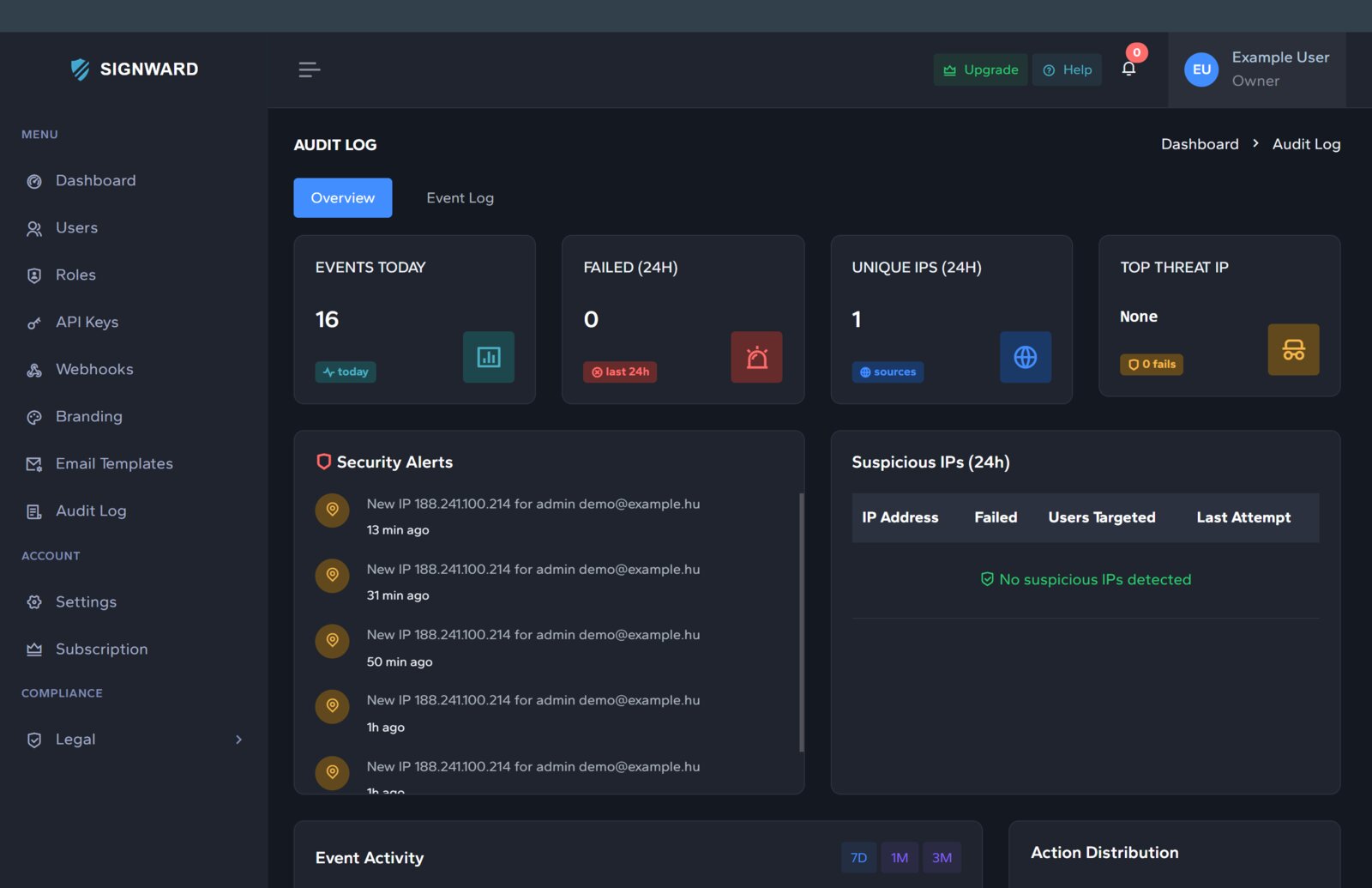
📊Audit logEvery action traced
👥User managementInvites · seats
🤖AI risk scoringAdaptive auth
✨AI assistantAdmin copilot
Set up your branding (colors, logo, CSS, custom domain), configure MFA policies, create custom roles, set up webhooks, customize email templates, and tailor your login experience
bash — your-app
Step 03 — Integrate
Drop it into any stack
C# / .NETcookie + OIDC
$ dotnet add package Signward.IdServer.Client
builder.Services.AddIdServerAuth(o => o.Authority = "…");
app.UseIdServerAuth();
Python · FastAPIasync + JWKS
$ pip install "signward-idserver-client[fastapi]"
auth = IdServerAuth(IdServerClient(authority="…"))
@app.get("/me")
async def me(user = Depends(auth.current_user)):
C# · Python · JS / TS · any OIDC client
Install our NuGet SDK or use standard OIDC endpoints. Two lines of code and your app has enterprise-grade authentication